
SeedAudio 1.5 vs SeedAudio 1.0: Complete Feature Comparison
Compare SeedAudio 1.5 and Seed Audio 1.0 specifications, key differences, use cases, and which version to choose for your AI audio generation projects.
SeedAudio 1.5 and Seed Audio 1.0 are both available on this site. This guide compares the two models so you can pick the one that matches the job: a finished short mix, or a longer scene with video input and separate stems.
What is Seed Audio 1.0?
Seed Audio 1.0 renders a complete sound scene in one mixed file: dialogue, ambience, background music, and sound effects together. Sign in, write a prompt, and generate with optional voice references or one reference image.
Key specifications:
- Length: Up to 2 minutes per generation on paid plans (free previews around 8 seconds)
- References: Up to 3 voice or audio references, or one reference image (not both)
- Input: Text prompt with optional audio or image reference
- Languages: Multilingual dialogue and accents, steered through the prompt
- Output: One mixed file in MP3, WAV, PCM, or Ogg Opus
- Best for: Short scenes, ad spots, game drafts, and testing prompts before a bigger job
Seed Audio 1.0 works best when the prompt names the scene type, location, characters, emotion, dialogue, music mood, ambience, and sound events. ByteDance Seed described that scene-level approach in From Speech to Audio Creation: speech, effects, and ambience generated together, with the later roadmap pointing to video input, longer audio, and separate stems.
What is SeedAudio 1.5?
SeedAudio 1.5 (also written as seed audio 1.5 or seed-audio-1.5) is available on this site now. It keeps the same sound-scene workflow and adds longer output, more references, video input, timestamp control, and separate stems you can mix yourself.
Specifications:
- Length: Up to 6 minutes
- References: Up to 6 audio references
- Input modes: Text; text + audio; text + video; text + audio + video
- Languages: 30 languages with regional variants
- Video-aware dubbing: Video can be an input, so voice and effects can follow the picture
- Timing control: Timestamp instructions for dialogue, effects, and music
- Output: Separate dialogue, ambience, effects, and music tracks
- Best for: Long-form dubbing, episode-length narration, and projects that need stems for a final mix
Those figures are the published SeedAudio 1.5 specification. Dreamina's model page lists the four input modes, six-minute output, six audio references, video-aware generation, and separate tracks. Pippit's SeedAudio 1.5 page describes the same step up from 1.0: references from 3 to 6, and duration from 2 minutes to 6. Sign in and generate from the workspace to use the longer output, video input, and stem export.
Feature Comparison: SeedAudio 1.5 vs Seed Audio 1.0
Both versions are live. The difference is length, inputs, and whether you get one mix or separate stems:
| Capability | SeedAudio 1.5 | Seed Audio 1.0 |
|---|---|---|
| Availability | Available now. Sign in to generate, including video input and stem export. | Available now. Sign in for a finished mix. |
| Maximum length | Up to 6 minutes | Up to 2 minutes per generation on paid plans; free previews stay around 8 seconds |
| Reference audio | Up to 6 audio references | Up to 3 voice or audio references, or one reference image (not both) |
| Input modes | Text; text + audio; text + video; text + audio + video | A text prompt, optional reference audio, or one reference image |
| Languages | 30 languages with regional variants | Multilingual dialogue and accents, steered through the prompt |
| Video-aware dubbing | Video can be an input, so voice and effects can follow the picture | Not available; video is not an input |
| Timing control | Timestamp instructions for dialogue, effects, and music | Timing is described in the prompt; length is not a hard parameter |
| Output | Separate dialogue, ambience, effects, and music tracks | One mixed file in MP3, WAV, PCM, or Ogg Opus |
| Best for | Long-form dubbing, episode-length narration, and projects that need stems for a final mix | Short scenes, ad spots, game drafts, and testing prompts before a bigger job |
Key differences explained
1. Length: 6 minutes vs 2 minutes
Seed Audio 1.0 caps each generation at 2 minutes on paid plans. Free previews are shorter, usually around 8 seconds. SeedAudio 1.5 extends the maximum to 6 minutes, so a podcast segment, episode narration, or full ad can come out in one pass.
2. References: 6 vs 3 (or 1 image)
Seed Audio 1.0 accepts up to 3 audio references (voice or ambience samples) or one reference image, but not both at the same time. SeedAudio 1.5 raises the limit to 6 audio references and adds video as an input, so one generation can follow several voice samples, music cues, or ambient textures.
3. Input modes: text, audio, and video
Seed Audio 1.0 takes a text prompt with optional audio or image references. SeedAudio 1.5 has four input modes: text alone, text + audio, text + video, and text + audio + video. You can start from a script and a picture cut, then guide the soundtrack with reference music or a voice sample in the same generation.
4. Languages: prompt-based vs structured support
Seed Audio 1.0 handles multilingual dialogue through the prompt: you describe the language or accent, and the model infers it. SeedAudio 1.5 supports 30 languages with regional variants as a structured choice, so language selection depends less on how the prompt is phrased.
5. Video-aware dubbing
This is the clearest reason to use SeedAudio 1.5. With a video input, the model can place dialogue, sound effects, and music against visual events. Seed Audio 1.0 does not accept video and has no picture timing to follow.
6. Timing control: descriptive vs timestamped
Seed Audio 1.0 timing lives in the prompt: "a car door slams at the start" or "the music fades around halfway." SeedAudio 1.5 adds timestamp instructions, so dialogue lines, effect cues, and music entrances can hit specific story beats.
7. Output: mixed file vs stems
Seed Audio 1.0 delivers one mix. You cannot rebalance the layers after generation. SeedAudio 1.5 outputs separate tracks for dialogue, ambience, effects, and music, so you can rebalance levels, replace the music, or mute an effect in a DAW.
Use Cases: Which Version Should You Choose?
Choose Seed Audio 1.0 if:
- The scene is under 2 minutes. Short ads, game drafts, podcast intros, and social clips fit the limit.
- You want a finished mix. The file is already balanced and ready to publish.
- You are testing a prompt. It is a fast way to check structure, tone, and pacing before a longer job.
- You do not need picture sync. Text, voice references, or one image are enough.
Example workflows:
- A 30-second product demo voiceover with upbeat background music and subtle product-interaction sounds.
- A 90-second game cutscene preview with character dialogue, ambient forest sounds, and tense orchestral underscore.
- A short podcast opening with host narration, a music bed, and a signature sound effect.
Choose SeedAudio 1.5 if:
- You need longer audio. Anything from 2 to 6 minutes, such as a podcast segment or episode narration.
- The audio has to follow a video. Video-aware dubbing and timestamp control matter for narrative cuts, commercials, and tutorials.
- You want to remix the output. Separate stems let you rebalance dialogue, swap the music, or isolate effects.
- The project spans several languages. Structured language support makes localization more predictable.
Example workflows:
- A 5-minute explainer with scripted narration, sound effects timed to on-screen cues, and music that ducks at the key lines.
- A bilingual ad with dialogue in English and Mandarin, plus separate music and effects stems for regional edits.
- A podcast episode delivered as independent tracks: host narration, guest dialogue, café ambience, and interstitial music.
Use both on the same project
You do not have to pick one model for everything.
- Draft the scene on Seed Audio 1.0 when you want a quick finished mix and the scene is short.
- Move the locked cut to SeedAudio 1.5 when the picture, the runtime, or the mix needs video input, timestamps, or stems.
- Keep the prompt. A scene description that works on 1.0 still describes the same layers on 1.5; you add the video, the timestamps, or the extra references only when you need them.
Frequently Asked Questions
What's new in SeedAudio 1.5 compared to 1.0?
SeedAudio 1.5 extends maximum output from 2 to 6 minutes, raises the reference audio limit from 3 to 6, adds video input for dubbing and synchronization, provides separate stems (dialogue, ambience, effects, music) instead of a fixed mix, supports 30 languages with regional variants, and introduces timestamp control for precise timing.
Is SeedAudio 1.5 available to use right now?
Yes. SeedAudio 1.5 is available on this site. Sign in and generate from the workspace to access advanced features including longer output, video input, and stem export.
What is the maximum audio length SeedAudio 1.5 can generate?
SeedAudio 1.5 supports up to 6 minutes per generation. Seed Audio 1.0 is limited to 2 minutes on paid plans.
Does SeedAudio 1.5 generate dialogue, ambience, sound effects, and music together?
Yes. Both versions generate complete sound scenes combining dialogue, ambience, sound effects, and background music in one workflow. The difference is that SeedAudio 1.5 delivers them as separate stems you can remix, while Seed Audio 1.0 delivers a finished mix.
Can I export separate stems from SeedAudio 1.5?
Yes. SeedAudio 1.5 outputs separate tracks for dialogue, ambience, effects, and music. You can import these stems into any DAW to rebalance levels, replace music, or isolate effects for final mixing. Seed Audio 1.0 only provides one mixed file.
Does SeedAudio 1.5 accept video input?
Yes. SeedAudio 1.5 supports video input for video-aware dubbing and sound design. The model can synchronize dialogue, effects, and music to visual events. You can combine video with audio references and text prompts. Seed Audio 1.0 does not accept video.
How many reference audios can I upload to SeedAudio 1.5?
SeedAudio 1.5 accepts up to 6 audio references per generation, compared to 3 for Seed Audio 1.0. You can use these references to guide voice tone, music style, or ambient texture.
What languages does SeedAudio 1.5 support?
SeedAudio 1.5 supports 30 languages with regional variants, including English, Mandarin, Spanish, French, German, Japanese, Korean, and more. Language selection is structured rather than prompt-only, making multilingual projects more predictable.
Should I upgrade from Seed Audio 1.0 to SeedAudio 1.5?
Use SeedAudio 1.5 if you need longer audio (over 2 minutes), video-aware dubbing, timestamp control, or separate stems for final mixing. Keep using Seed Audio 1.0 for short scenes, quick tests, and projects where a finished mix is sufficient.
Can I use SeedAudio-generated audio commercially?
Commercial use depends on the service terms. Review the Terms of Service for licensing details, output rights, and attribution requirements before publishing generated audio.
Final Recommendation
Use Seed Audio 1.0 for short scenes, prompt tests, and finished mixes under 2 minutes. It is the right model for ads, game drafts, and social clips that can ship as one file.
Use SeedAudio 1.5 when you need up to 6 minutes, video-aware dubbing, timestamp control, or separate stems. Those features are available from the workspace after you sign in.
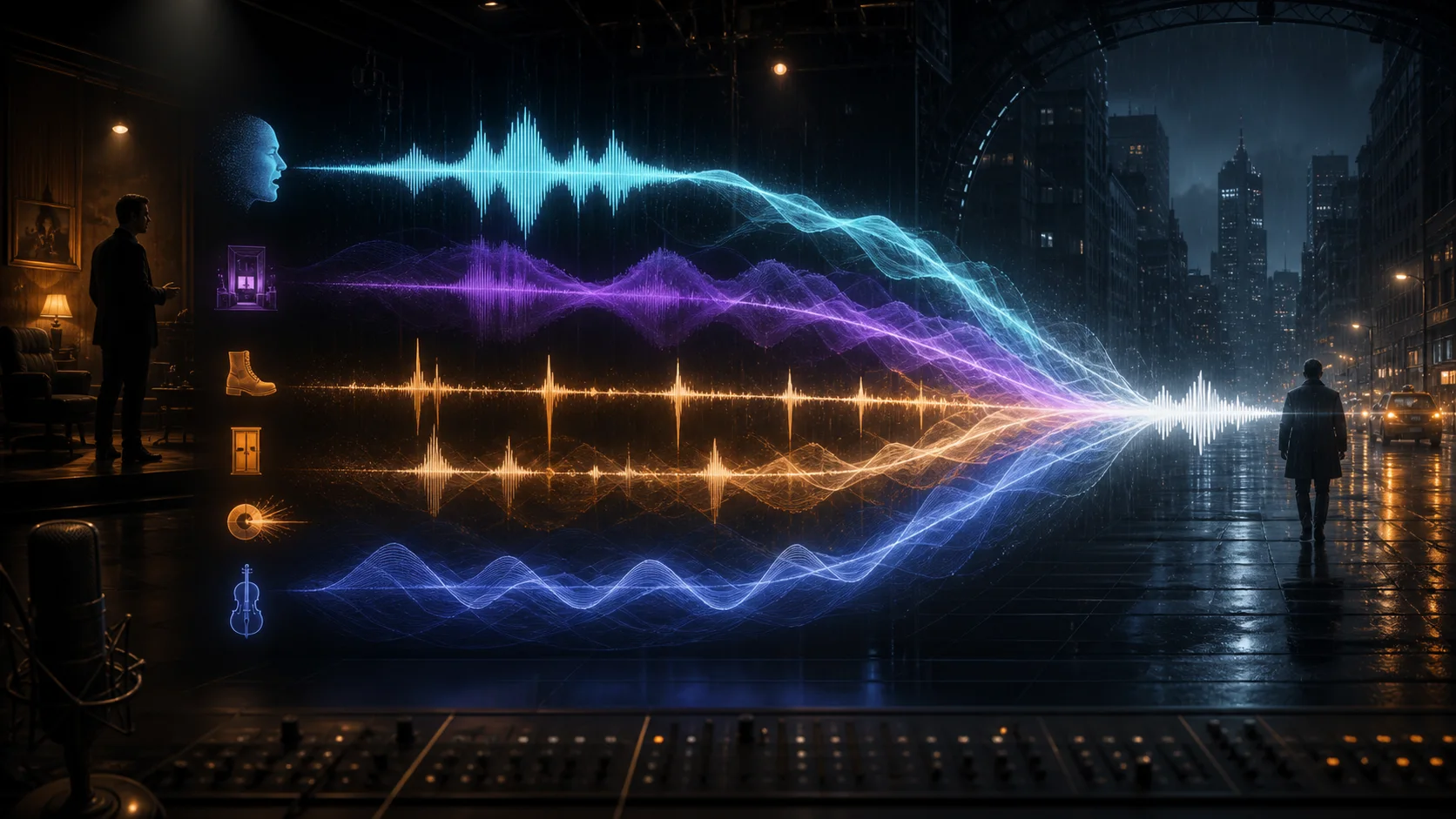
Both versions generate complete sound scenes — dialogue, ambience, music, and effects — rather than isolated narration. The difference is length, input flexibility, timing precision, and whether you receive a finished mix or editable stems.
For a cut that has to follow the picture and leave you separate stems, generate with SeedAudio 1.5.
Sources
- ByteDance Seed: From Speech to Audio Creation — the Seed team's account of scene-level audio, timing control, and the plan to add video input, longer output, and stems.
- Dreamina SeedAudio 1.5 — published modes, six-minute output, six references, 30 languages, video-aware generation, timestamps, and separate tracks.
- Pippit SeedAudio 1.5 — the CapCut-ecosystem description of the 3-to-6 reference upgrade, the 2-to-6 minute duration, and video-aware dubbing.