SeedAudio 1.5: six-minute audio built around the whole scene
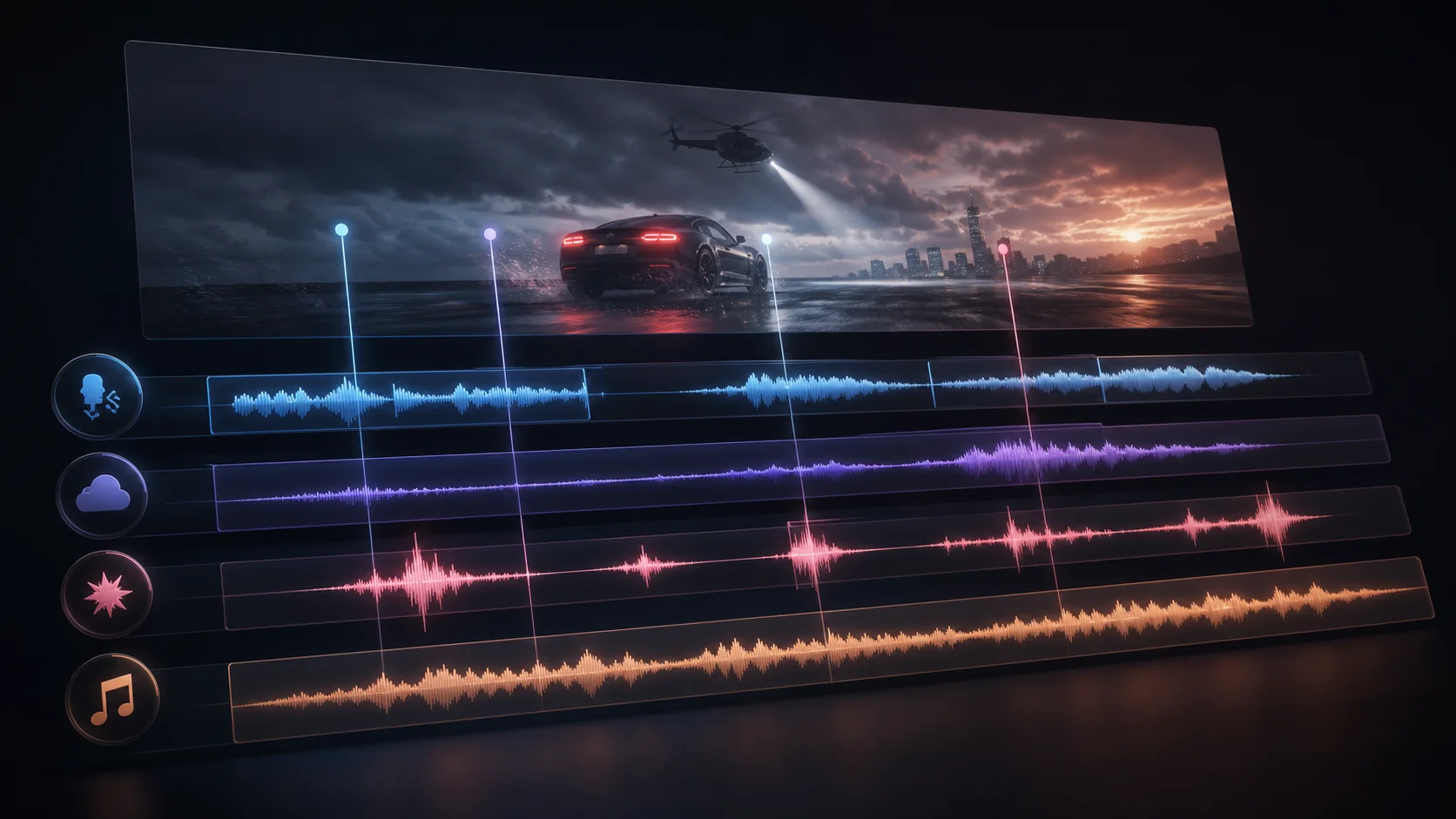
SeedAudio 1.5 is the upcoming complete-audio model described by Dreamina and Pippit: up to six minutes, six reference audios, 30-language support, video-aware dubbing, precise timestamps, and separate dialogue, music, ambience, and effects tracks. The live workspace below still runs Seed Audio 1.0.
Published input modes
T2A, TA2A, TV2A, and TAV2A
Published reference limit
Up to 6 audio references
Published duration limit
Up to 6 minutes
Available in this workspace
Seed Audio 1.0 · text, audio, or image
在线开始生成 Seed Audio 1.0
使用下方 Seed Audio 1.0 工作区,通过提示词、可选参考音频或一张参考图像生成声音场景。
输入
以提示词为核心,可选更多生成控制。
更多设置
展开后可调整更多输入控制。
历史记录
你的 Seed Audio 1.0 Preview 最近生成记录。
登录后可查看生成历史。
Would a longer take or separate tracks actually help?
For a dialogue edit, write down what keeps forcing another take: a voice changing between shots, a line missing a cut, or music covering a word. These are different problems. A longer duration limit only helps when you need an uninterrupted scene; separate tracks matter when you want to adjust the mix without replacing the performance.
Before planning a SeedAudio 1.5 video dub, prepare a locked picture edit, a speaker list, and the exact lines in playback order. For a podcast, start with the script and clean voice references. For a game, define one event and its ending so the sound can fit the interaction. Dreamina says the model is coming soon, so verify launch access and upload limits before scheduling production.
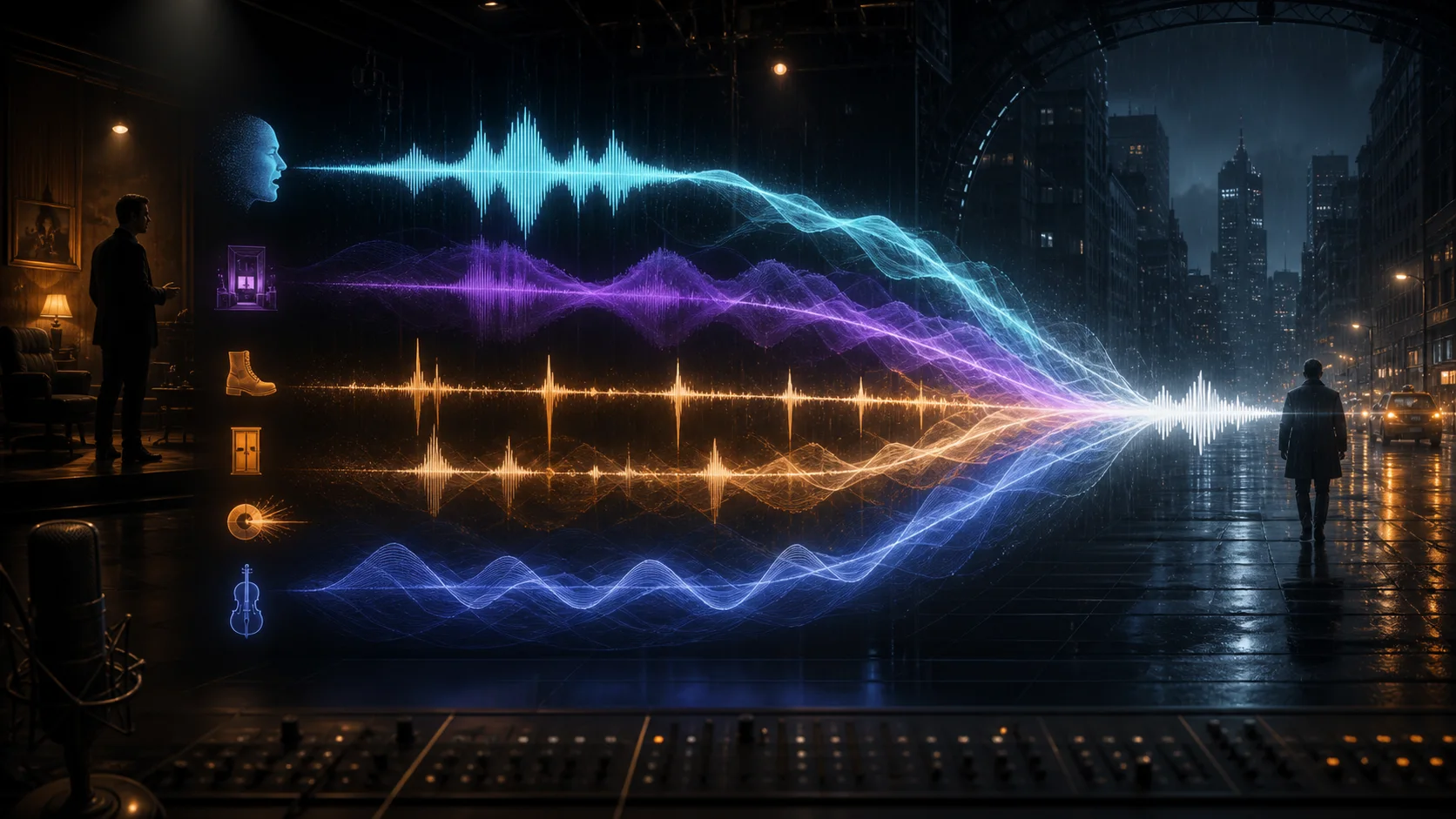
Start with the material you already have
The four published mode names describe the inputs. Choose based on whether your project needs a voice identity, a visual timeline, or both. Video modes are described by Dreamina; they are not enabled in this site's workspace.
T2A · A script or scene idea
Text only. Use this starting point when you are casting fictional voices or testing a scene before any recording exists. Prepare exact lines, speaker descriptions, and the order of sound cues.
TA2A · A voice to carry forward
Text plus audio. Choose this when a speaker's identity matters. Prepare a clean, authorized recording with one speaker, then specify who uses that reference and how the delivery should change.
TV2A · A picture edit to follow
Text plus video. Consider this for sound tied to visible action. Prepare your final cut and a cue list. Uploading a still image in the current tool does not provide a moving timeline.
TAV2A · The cast and the cut
Text, audio, and video. Consider this when a dub must follow both a known voice and the edit. Keep speaker references labeled, identify on-screen actions, and check the destination provider's upload limits.
What 1.5 adds to the 1.0 starting point
This compares ByteDance Seed Audio 1.0 with the current SeedAudio 1.5 descriptions published by Dreamina and Pippit. Public model capabilities can differ from the controls exposed by a particular website; the generator here still uses Seed Audio 1.0.
Give every line and sound cue a place
Try a short passage before committing to a full scene. The example below is an original writing exercise, not a measured SeedAudio 1.5 result. You can adapt the same brief to text-only generation now and add reference material when the chosen tool supports it.
Step 1
Write the lines you need to hear
Use speaker names and quote the actual dialogue. “Two people argue” leaves the script open; “Mara: We leave now. Theo: Not without the map.” gives you words to check against the result.
Step 2
Keep casting separate from acting
Describe each voice once, then attach emotion to individual lines. A low, quiet voice can still speak urgently. If you add a reference, use the same speaker mapping throughout the brief.
Step 3
Put cues in playback order
Describe the opening sound, first line, pause, interruption, and ending. If a bell must follow a sentence, say so. A list of sounds alone does not tell the model when each one belongs.
Step 4
Decide what counts as a usable take
Check the exact words first, then speaker separation, cue order, and background level. Save the brief alongside the result. Change one instruction on the next attempt so you can hear whether that edit helped.
Original brief · adapt to your available duration
A short English scene at a museum after closing. Mara has a low, steady voice; Theo has a lighter, hesitant voice. Begin with a quiet ventilation hum and two footsteps. Mara says, "We leave now." After a brief pause, Theo replies, "Not without the map." A single distant bell rings after Theo finishes. Keep both voices close and clear, with the room sound underneath. No music or extra dialogue. End with the hum fading out.
Fix one audible problem before adding another layer
Use the current workspace to test a small creative decision. These listening checks are practical editing guidance, not a benchmark of SeedAudio 1.5. They help make each retry purposeful.
Missing or rushed words: shorten the passage and remove secondary directions. Check the available duration; an eight-second preview cannot contain a long conversation. Add a longer script only when the account's generation allowance supports it.
Voices are hard to distinguish: give speakers stable names and distinct delivery descriptions. If using references, keep each clip focused on one voice and map it explicitly in the prompt. Check any selected preset voice before retrying.
Music or effects hide the speech: ask for a dry dialogue pass or remove the music cue. Keep only one background sound until the words are clear. A mixed audio file cannot be adjusted as separate stems in this workspace.
Access, limits, and the next step
Check the version and supported inputs before you upload assets or plan a production around a particular feature.
What is SeedAudio 1.5?
SeedAudio 1.5 is the upcoming complete-audio model now described by Dreamina and Pippit. Its published capabilities include text-, audio-, and video-conditioned generation, up to six minutes of output, as many as six reference audios, 30-language support, precise timestamps, and separate audio tracks. Dreamina also redirects its former SeedAudio 2.0 URL to the 1.5 page, although ByteDance has not published a separate naming-change announcement.
Can I upload a video in this workspace?
No. This workspace accepts text, up to three audio inputs in total, or one JPG, PNG, or WebP image. Audio and image references cannot be combined. TV2A and TAV2A in the guide describe video workflows on the 1.5 product page, not upload options available here.
Was SeedAudio 1.5 previously called Seed Audio 2.0?
The current evidence points that way: Dreamina redirects its former seedaudio-2-0 URL to seedaudio-1-5, and a few legacy 2.0 labels remain in media metadata on the current 1.5 pages. Treat SeedAudio 1.5 as the current public name. A future product called Seed Audio 2.0 has not been confirmed by these sources.
Why is my preview much shorter than six minutes?
The six-minute figure belongs to Dreamina's description of SeedAudio 1.5. This site's generator uses 1.0, with short free previews of about eight seconds and paid generations up to the current two-minute model limit. A duration request in your prompt does not override your account's allowance.
Is the generator on this page running SeedAudio 1.5?
The live workspace runs Seed Audio 1.0. You can use its original scene starters to test dialogue and sound direction, but it does not provide SeedAudio 1.5 video input, six-reference support, or separate stems. The playable sample is also labeled as a 1.0 example.
Can I call SeedAudio 1.5 through this site's API?
The current public API uses Seed Audio 1.0. Changing the model name in a request does not enable SeedAudio 1.5. Use the API documentation for supported fields and check the actual model offered by your provider before building a video or multitrack workflow.
What should I check before publishing a voiced scene?
Use voice references and scripts you have permission to use, check the generation provider's terms, and review the result for unintended impersonation or copied material. Keep a record of permissions for supplied recordings. This guide does not grant a license to someone else's voice or content.
Where the capability descriptions come from
Reviewed October 4, 2026. Dreamina and Pippit currently identify the upcoming model as SeedAudio 1.5. The scene starters and listening checklist are our editorial guidance; the illustrations are concepts, not model outputs.
Dreamina / CapCut
Dreamina SeedAudio 1.5 model page
Current product description for the four modes, six-minute output, six audio references, 30-language support, video-aware generation, timestamps, and separate tracks.
Pippit / CapCut
Pippit SeedAudio 1.5 model page
CapCut ecosystem confirmation of the SeedAudio 1.5 name, four generation modes, six-minute maximum duration, six references, timestamps, track-separated output, and standalone video dubbing.